Image Upscaler with AI
Create a larger image with AI generative enhancement.
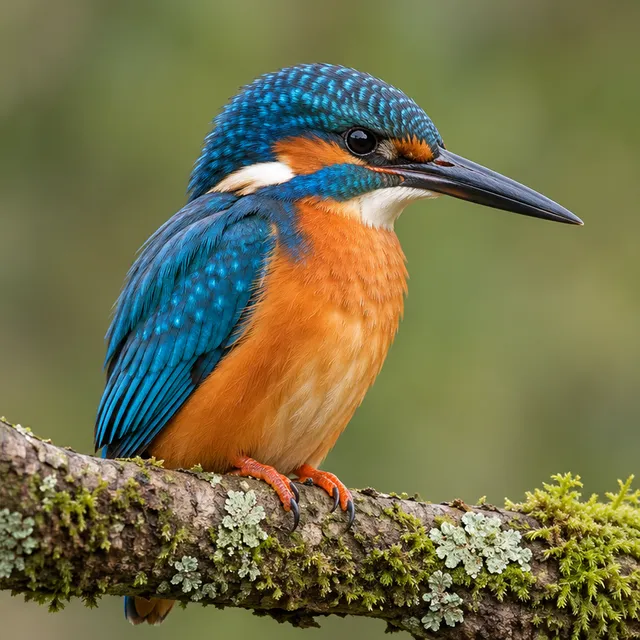
Proveedor de IA no configurado en este entorno.
Las herramientas de IA en la nube permanecen desactivadas hasta que se configure un proveedor de IA en el servidor. No se sube ninguna imagen ni se genera ningún resultado.
Ver las herramientas que ya funcionanThis page has not been translated yet and is shown in English. It is excluded from search indexing for this language until it has been.
AI produces a 2K reconstruction. KaiConvert verifies that the returned resolution is sufficient and exports at twice the working width and height, up to a 2048-pixel longest edge.
This cloud AI beta uploads a resized image only after you press Run. The longest input edge is limited to 1024 pixels, and the page shows an error instead of a fabricated result if the AI provider cannot complete the request.
Qué obtienes
Review before keeping
Compare the source and generated result before downloading a PNG.
Continue editing
Open the result in the local editor for cropping, resizing and export.
Explicit cloud processing
Images and any reference or mask are sent to the AI provider only when you choose Run.
Cómo funciona
- 1
Choose your image
Open a JPEG, PNG or WebP image. Identity tools require permission acknowledgement.
- 2
Prepare and run
AI produces a 2K reconstruction. KaiConvert verifies that the returned resolution is sufficient and exports at twice the working width and height, up to a 2048-pixel longest edge.
- 3
Review and download
Check the preview carefully, then download the PNG or continue in the editor.
Especificaciones
- Beta. Available only when the server has a working AI provider. Results need visual review.
- The input is limited to a 1024-pixel longest edge. Larger originals are reduced first. Generated details may differ from reality; this is not forensic restoration or a guarantee of recovered detail.
Por qué usar KaiConvert
- Sin subidas en las herramientas locales
- Las imágenes permanecen en tu dispositivo. Una comprobación en línea cuenta descargas usando un hash diario de la IP pública; los dispositivos de la misma red comparten el límite.
- La IA en la nube siempre se indica antes de empezar
Preguntas frecuentes
Herramientas relacionadas
- Quitar desenfoquePrevistoIA en la nube, previstaIA en la nube
- Restaurar foto antiguaPrevistoIA en la nube, previstaIA en la nube
- Redimensionar imagenPíxeles exactos, porcentaje o preajusteLocal
- JPG a PNGCambia tu imagen JPG a un archivo PNG manteniendo las dimensiones de la imagen a menos que elijas redimensionarla.Local
- JPG a WEBPCambia tu imagen JPG a un archivo WEBP manteniendo las dimensiones de la imagen a menos que elijas redimensionarla.Local
- JPG a AVIFCambia tu imagen JPG a un archivo AVIF manteniendo las dimensiones de la imagen a menos que elijas redimensionarla.Local