Remove Background with AI
Create a transparent PNG cutout with a AI foreground mask.
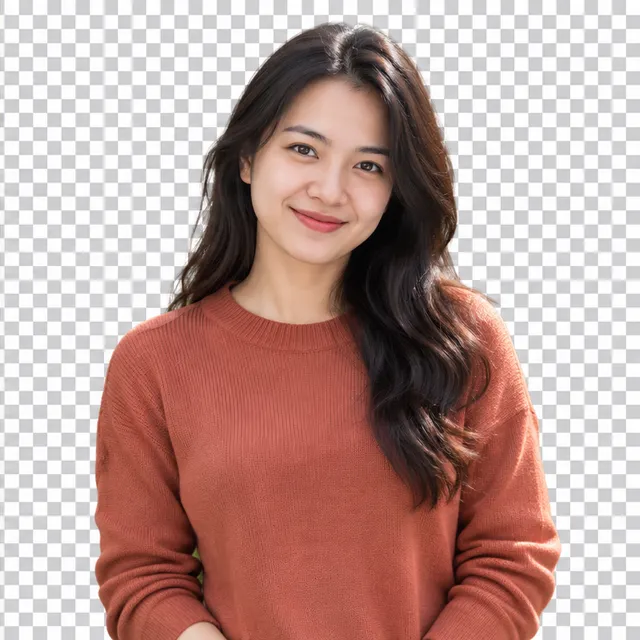

この環境では AI プロバイダが設定されていません。
クラウド AI ツールは、サーバー側で AI プロバイダが設定されるまで無効のままです。画像はアップロードされず、結果も生成されません。
今すぐ使えるツールを見るThis page has not been translated yet and is shown in English. It is excluded from search indexing for this language until it has been.
AI generates a black-and-white subject mask. KaiConvert applies it to the original image pixels, so the subject itself is not redrawn.
This cloud AI beta uploads a resized image only after you press Run. The longest input edge is limited to 1024 pixels, and the page shows an error instead of a fabricated result if the AI provider cannot complete the request.
できること
Review before keeping
Compare the source and generated result before downloading a PNG.
Continue editing
Open the result in the local editor for cropping, resizing and export.
Explicit cloud processing
Images and any reference or mask are sent to the AI provider only when you choose Run.
使い方
- 1
Choose your image
Open a JPEG, PNG or WebP image. Identity tools require permission acknowledgement.
- 2
Prepare and run
AI generates a black-and-white subject mask. KaiConvert applies it to the original image pixels, so the subject itself is not redrawn.
- 3
Review and download
Check the preview carefully, then download the PNG or continue in the editor.
仕様
- Beta. Available only when the server has a working AI provider. Results need visual review.
- Fine hair, glass, shadows and multiple subjects can produce imperfect edges. Inspect the checkerboard preview before downloading.
KaiConvert を選ぶ理由
- ローカルツールはアップロード不要
- 画像は端末内に残ります。ダウンロード回数の確認には、日ごとにハッシュ化した公開IPをオンラインで使用します。同じネットワークの端末は上限を共有します。
- クラウド AI は開始前に必ず明示