AI Headshot with AI
Create a professional portrait from your photo with AI.

Chưa cấu hình nhà cung cấp AI trong môi trường này.
Các công cụ AI đám mây bị tắt cho tới khi máy chủ được cấu hình nhà cung cấp AI. Không có ảnh nào được tải lên và không có kết quả nào được tạo.
Xem các công cụ dùng được ngayThis page has not been translated yet and is shown in English. It is excluded from search indexing for this language until it has been.
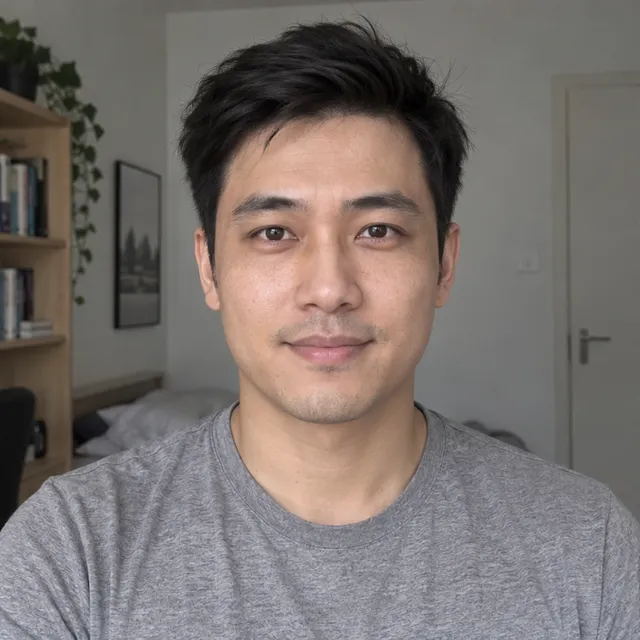
Provide a clear portrait of yourself or a person who gave permission. AI aims to preserve the person while applying studio lighting, a neutral background and a professional composition.
This cloud AI beta uploads a resized image only after you press Run. The longest input edge is limited to 1024 pixels, and the page shows an error instead of a fabricated result if the AI provider cannot complete the request.
Bạn nhận được gì
Review before keeping
Compare the source and generated result before downloading a PNG.
Continue editing
Open the result in the local editor for cropping, resizing and export.
Explicit cloud processing
Images and any reference or mask are sent to the AI provider only when you choose Run.
Cách hoạt động
- 1
Choose your image
Open a JPEG, PNG or WebP image. Identity tools require permission acknowledgement.
- 2
Prepare and run
Provide a clear portrait of yourself or a person who gave permission. AI aims to preserve the person while applying studio lighting, a neutral background and a professional composition.
- 3
Review and download
Check the preview carefully, then download the PNG or continue in the editor.
Thông số
- Beta. Available only when the server has a working AI provider. Results need visual review.
- Inspect identity and facial details before use. Generated headshots are not suitable as official identity-document photographs.
Vì sao chọn KaiConvert
- Không tải lên với các công cụ cục bộ
- Ảnh vẫn ở trên thiết bị. Kiểm tra trực tuyến dùng IP công khai đã băm theo ngày để đếm lượt tải; các thiết bị chung mạng dùng chung hạn mức.
- Công cụ AI đám mây luôn được ghi rõ trước khi bắt đầu
Câu hỏi thường gặp
Công cụ liên quan
- Làm đẹp khuôn mặtSắp cóAI đám mây, sắp cóAI đám mây
- Đổi phông nềnThử nghiệmMô tả phông nền mới cho AIAI đám mây
- Đổi trang phụcSắp cóAI đám mây, sắp cóAI đám mây
- JPG sang PNGThay đổi hình ảnh JPG của bạn thành tệp PNG trong khi vẫn giữ nguyên kích thước hình ảnh trừ khi bạn chọn thay đổi kích thước.Cục bộ
- JPG sang WEBPThay đổi hình ảnh JPG của bạn thành tệp WEBP trong khi vẫn giữ nguyên kích thước hình ảnh trừ khi bạn chọn thay đổi kích thước.Cục bộ
- JPG sang AVIFThay đổi hình ảnh JPG của bạn thành tệp AVIF trong khi vẫn giữ nguyên kích thước hình ảnh trừ khi bạn chọn thay đổi kích thước.Cục bộ