Remove Background with AI
Create a transparent PNG cutout with a AI foreground mask.
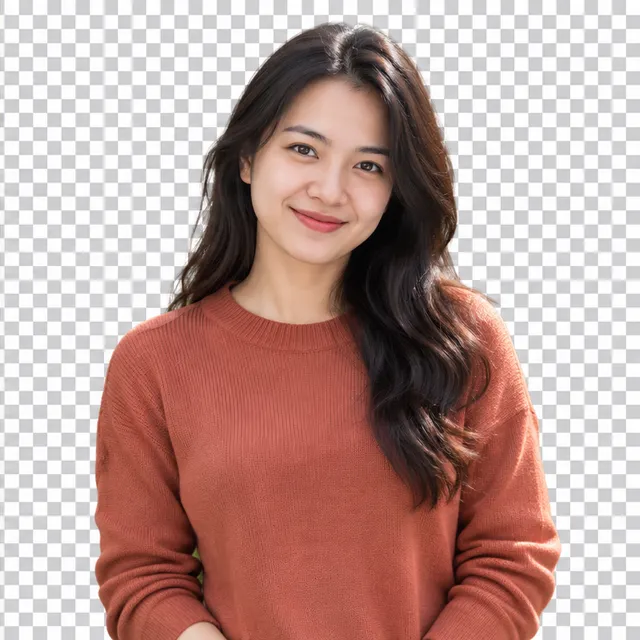
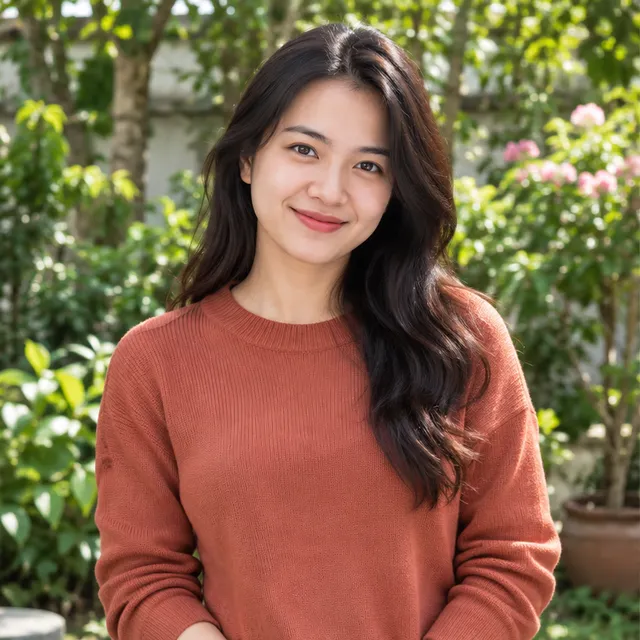
Penyedia AI belum dikonfigurasi di lingkungan ini.
Alat AI awan tetap nonaktif sampai penyedia AI dikonfigurasi di server. Tidak ada gambar yang diunggah dan tidak ada hasil yang dihasilkan.
Lihat alat yang sudah berfungsiThis page has not been translated yet and is shown in English. It is excluded from search indexing for this language until it has been.
AI generates a black-and-white subject mask. KaiConvert applies it to the original image pixels, so the subject itself is not redrawn.
This cloud AI beta uploads a resized image only after you press Run. The longest input edge is limited to 1024 pixels, and the page shows an error instead of a fabricated result if the AI provider cannot complete the request.
Apa yang Anda dapat
Review before keeping
Compare the source and generated result before downloading a PNG.
Continue editing
Open the result in the local editor for cropping, resizing and export.
Explicit cloud processing
Images and any reference or mask are sent to the AI provider only when you choose Run.
Cara kerjanya
- 1
Choose your image
Open a JPEG, PNG or WebP image. Identity tools require permission acknowledgement.
- 2
Prepare and run
AI generates a black-and-white subject mask. KaiConvert applies it to the original image pixels, so the subject itself is not redrawn.
- 3
Review and download
Check the preview carefully, then download the PNG or continue in the editor.
Spesifikasi
- Beta. Available only when the server has a working AI provider. Results need visual review.
- Fine hair, glass, shadows and multiple subjects can produce imperfect edges. Inspect the checkerboard preview before downloading.
Mengapa memakai KaiConvert
- Tanpa unggah untuk alat lokal
- Gambar tetap di perangkat. Pemeriksaan online menghitung unduhan menggunakan hash harian IP publik; perangkat pada jaringan yang sama berbagi kuota.
- AI awan selalu diberi label jelas sebelum Anda mulai
Pertanyaan umum
Alat terkait
- Ganti Latar BelakangBetaJelaskan latar baru untuk AIAI awan
- Buramkan LatarDirencanakanAI lokal, direncanakanAI lokal
- Format Gambar ProdukUkuran marketplace di kanvas putihLokal
- Potong GambarPotong bebas atau rasio terkunciLokal
- JPG ke PNGUbah gambar JPG Anda menjadi file PNG sambil mempertahankan dimensi gambar kecuali Anda memilih untuk mengubah ukurannya.Lokal
- JPG ke WEBPUbah gambar JPG Anda menjadi file WEBP sambil mempertahankan dimensi gambar kecuali Anda memilih untuk mengubah ukurannya.Lokal