Remove Watermark with AI
Paint over the watermark to reconstruct the image underneath.
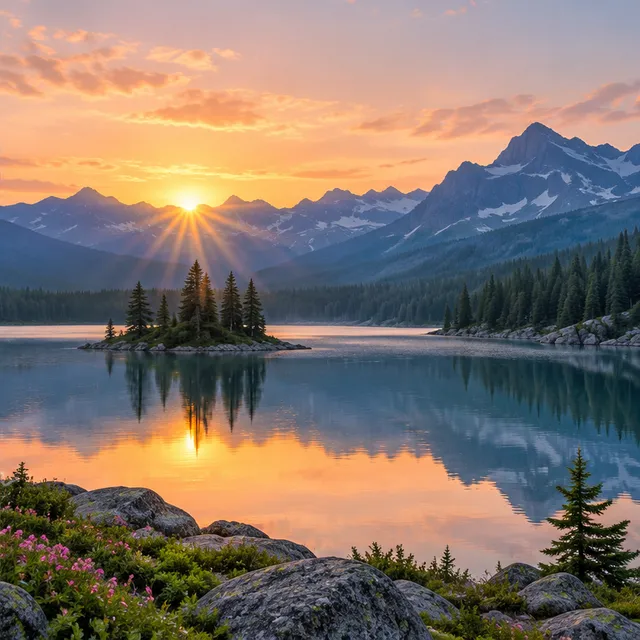
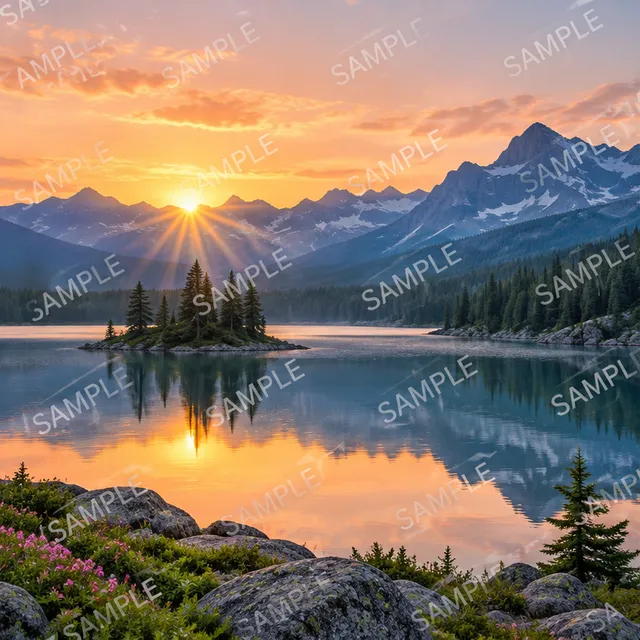
AI provider not configured in this environment.
Cloud AI tools stay disabled until an AI provider is configured on the server. No image is uploaded and no result is generated.
Browse tools that work todayUpload a JPEG, PNG or WebP and paint over every watermark stroke, including translucent edges and shadows. The selected region is reconstructed using surrounding detail; pixels outside your selection remain unchanged at the working resolution.
Processing begins only when you press Run. The working image is limited to 1024 pixels on its longest edge. Hidden details are estimated, not recovered from an original: complex patterns, faces and large overlays may need another selection or manual editing.
What you get
Select precisely
Adjust the brush size and cover the complete watermark while avoiding nearby details.
Keep the surrounding image
Only the painted region is blended into the original working image.
Review the repair
Compare before and after, download PNG, or continue in the editor.
How it works
- 1
Upload an image
Choose a JPG, PNG or WebP image.
- 2
Paint the watermark
Cover all lettering, logo edges and shadows, then press Run.
- 3
Check and download
Inspect repaired textures and edges before saving your PNG.
Specifications
- Beta. Inspect every repair, especially over faces, fine text and repeated patterns.
- AI has a separate quota. Output is PNG at the working resolution, up to 1024 pixels on its longest edge.
Why use KaiConvert
- No upload for local tools
- Images stay on your device. An online check uses a daily hashed public IP to count downloads; devices on the same network share the quota.
- Cloud AI is always clearly labelled before you start
Frequently asked questions
Related tools
- Magic EraserBetaPaint over it, have the gap filledCloud AI
- Remove ObjectBetaMark an object, rebuild the backgroundCloud AI
- Remove TextBetaErase captions and overlaid textCloud AI
- JPG to PNGA lossless copy for editingLocal
- JPG to WebP25–35% smaller for the webLocal
- Image EditorCrop, resize, adjust and export in one placeLocal