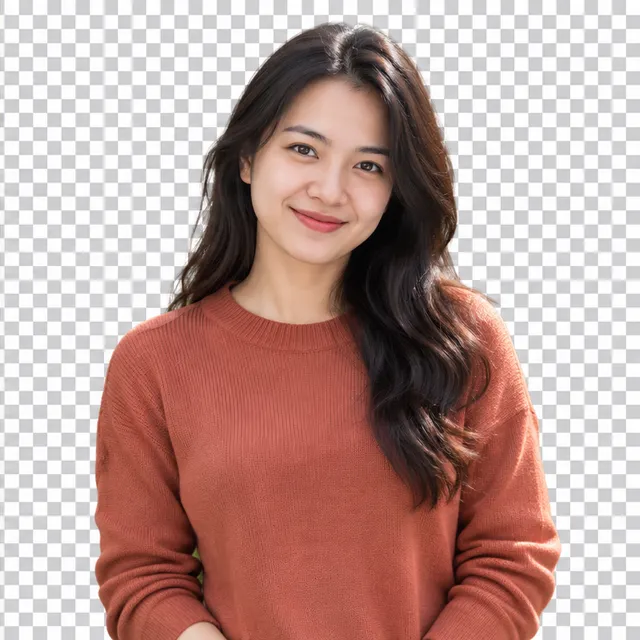

Remove Background
AI mask to transparent PNG
Cloud AIBeta
Explore AI editing, compare illustrative examples and choose a tool for your image.
KaiConvert offers cloud AI tools in beta for removing backgrounds, cleaning up objects and text, enlarging images, creating headshots and changing image styles. Availability depends on the configured provider. Tools marked as planned do not process images; beta tools can run when the provider supports them.
Choose an image, prepare any mask or reference the tool needs, then press Run to send it to the AI provider. Local editing tools keep images on your device. Cloud AI has separate usage limits, and each image in a Pro batch counts toward those limits. Always review generated details before downloading.
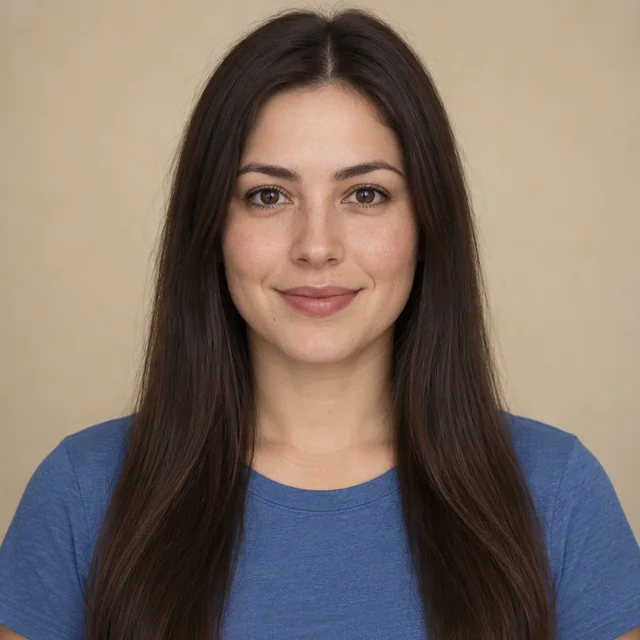
The before-and-after pictures are illustrations of each feature, not a guarantee of an identical result. Fine edges, faces, text and complex backgrounds may need another attempt or manual editing.
AI mask to transparent PNG


Paint over it, have the gap filled
Mark an object, rebuild the background
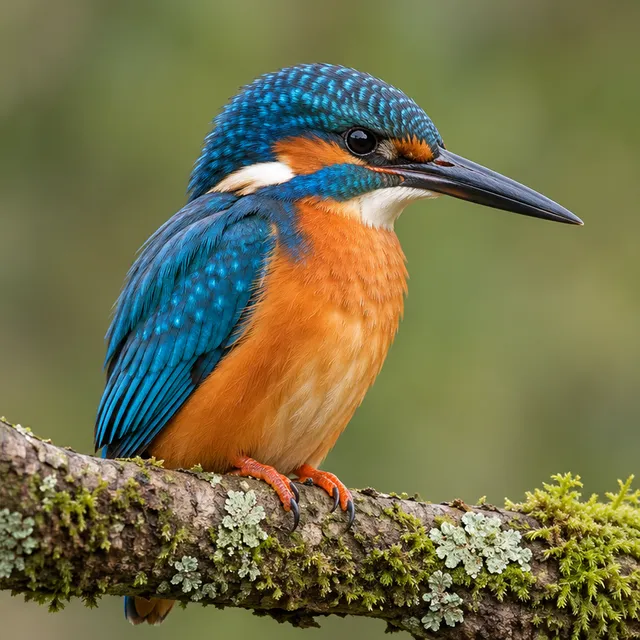
2x generative enhancement with AI

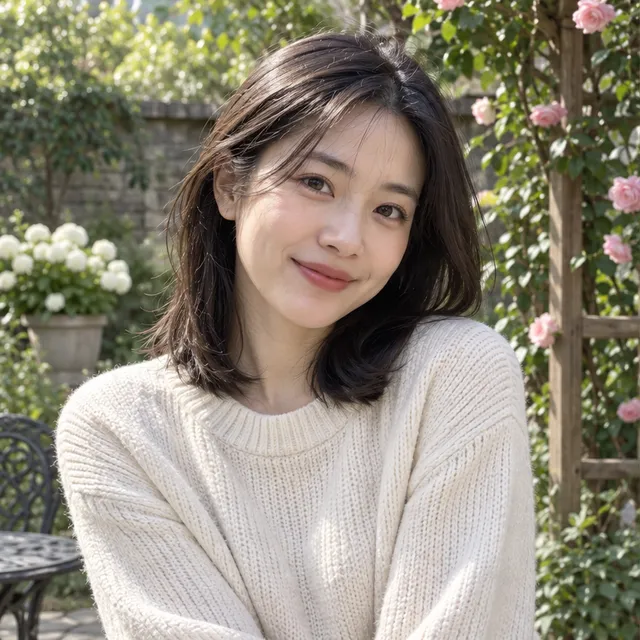
Restyle a photo as an anime illustration

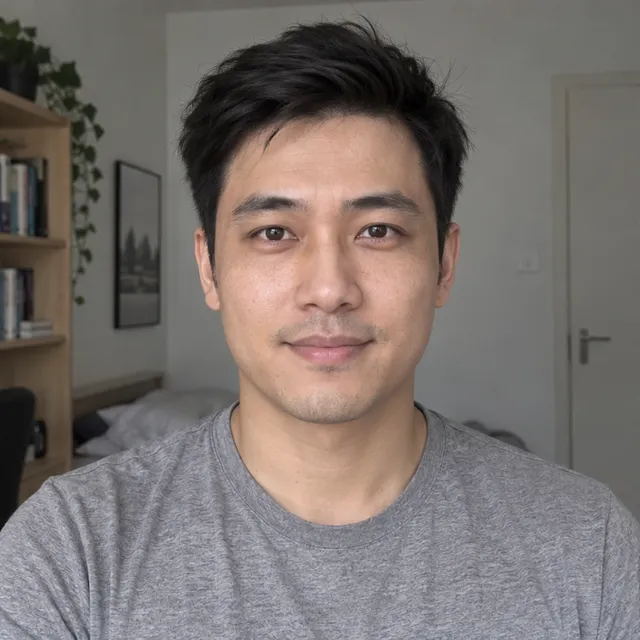
Generate a studio portrait with AI


Describe a new background for AI


Erase captions and overlaid text


Reinterpret an illustration as a photo


Bold outlines and flat cartoon colour
This tool is on the roadmap. The page is here so the workflow, formats and related tools are documented — but nothing is processed and no result is produced.
Planned local AI


Planned cloud AI
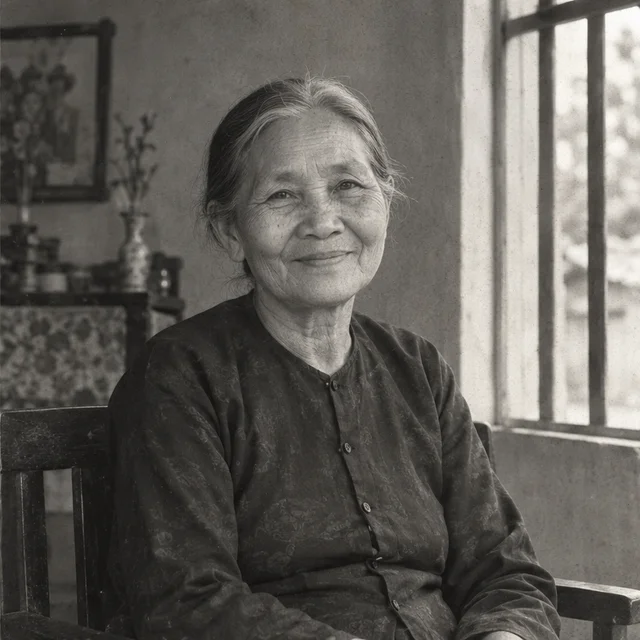
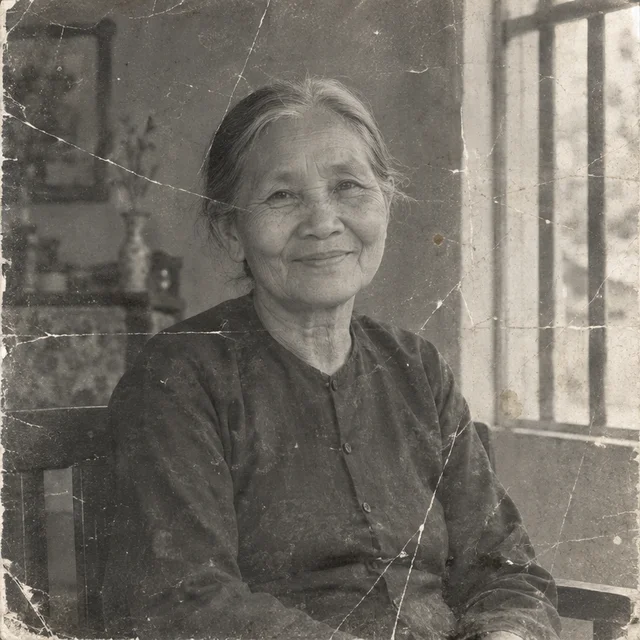
Planned cloud AI
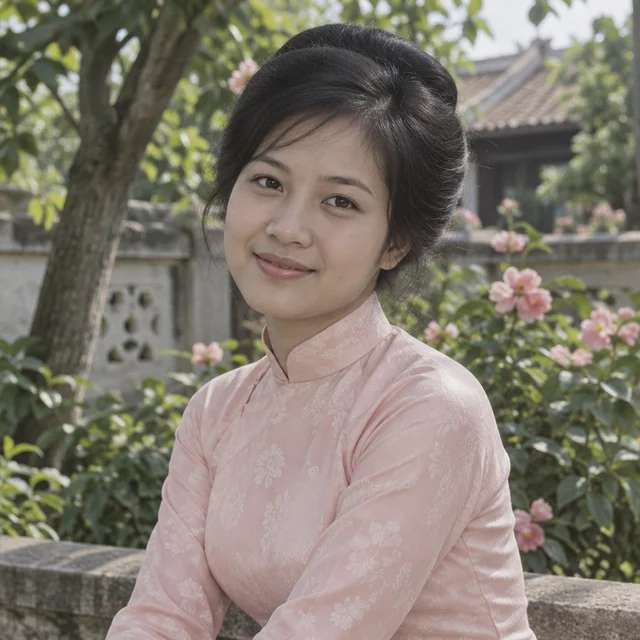
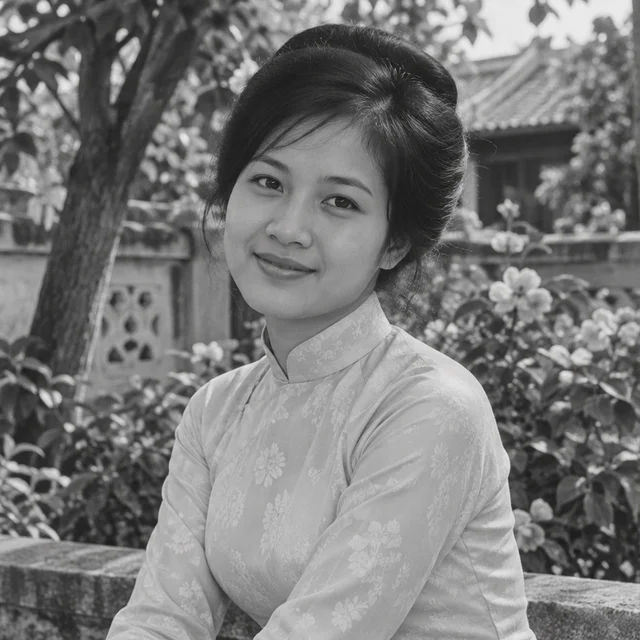
Planned cloud AI
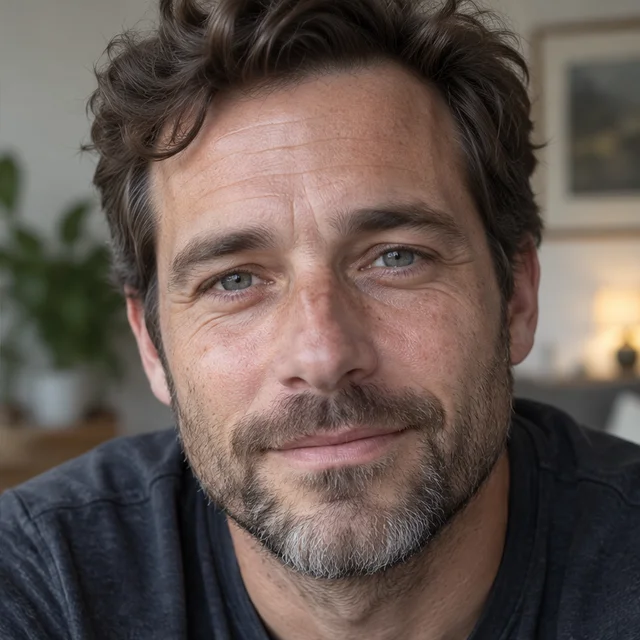
Planned cloud AI
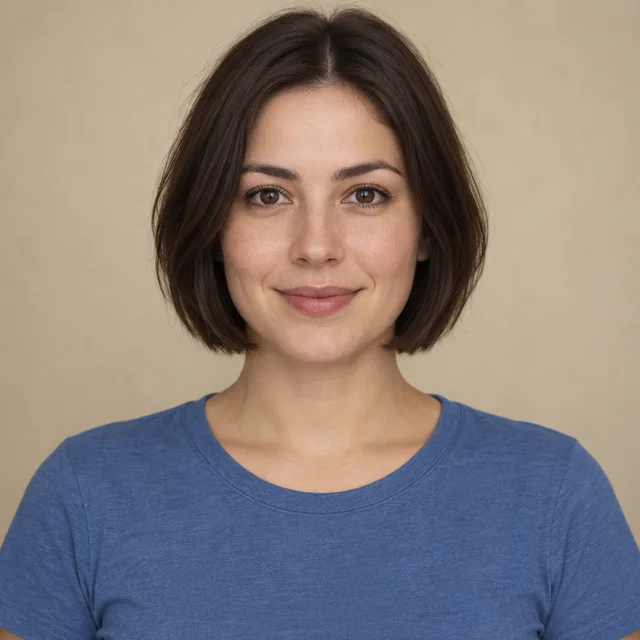
Planned cloud AI


Planned cloud AI


Planned cloud AI
Planned cloud AI