
Remove Background
AI mask to transparent PNG
Cloud AIBeta
Keep the subject, remove the surroundings or describe a new background.
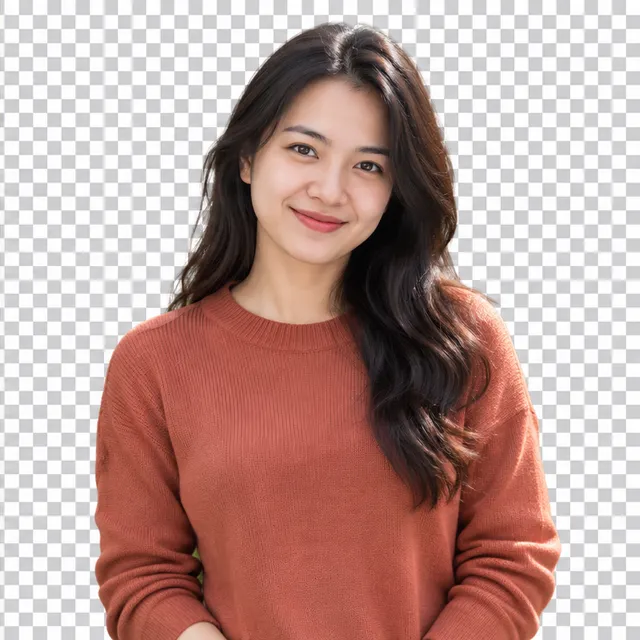
Background removal creates a subject mask that KaiConvert applies to the original image. The output can be downloaded as a transparent PNG. Background replacement uses generative AI to create a new setting, so review the subject and edges before keeping the result.
These cloud AI beta tools upload an image only after you press Run. Fine hair, glass and shadows can be difficult. Background blur remains planned and does not process images. For local product framing on a plain canvas, use the product image formatter.
AI mask to transparent PNG


Describe a new background for AI
This tool is on the roadmap. The page is here so the workflow, formats and related tools are documented — but nothing is processed and no result is produced.