Remove Background with AI
Create a transparent PNG cutout with a AI foreground mask.
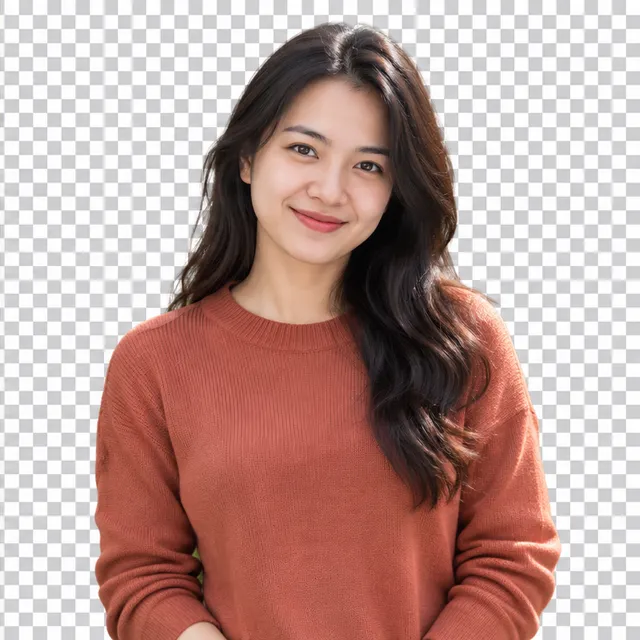
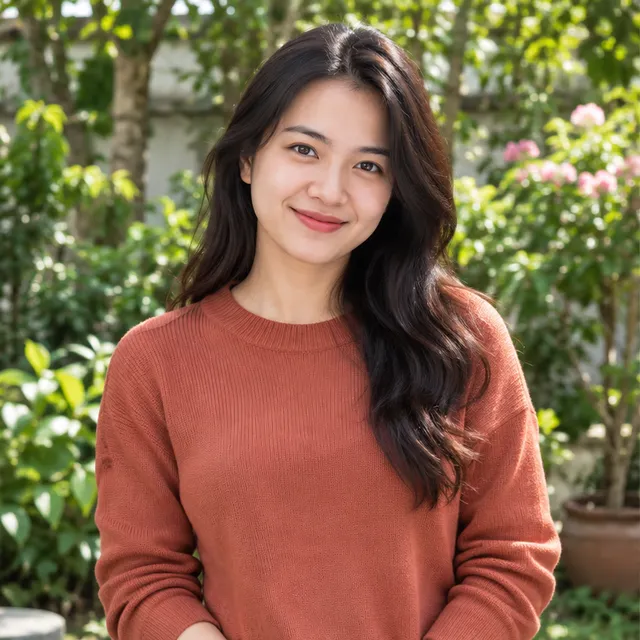
AI provider not configured in this environment.
Cloud AI tools stay disabled until an AI provider is configured on the server. No image is uploaded and no result is generated.
Browse tools that work todayAI generates a black-and-white subject mask. KaiConvert applies it to the original image pixels, so the subject itself is not redrawn.
This cloud AI beta uploads a resized image only after you press Run. The longest input edge is limited to 1024 pixels, and the page shows an error instead of a fabricated result if the AI provider cannot complete the request.
What you get
Review before keeping
Compare the source and generated result before downloading a PNG.
Continue editing
Open the result in the local editor for cropping, resizing and export.
Explicit cloud processing
Images and any reference or mask are sent to the AI provider only when you choose Run.
How it works
- 1
Choose your image
Open a JPEG, PNG or WebP image. Identity tools require permission acknowledgement.
- 2
Prepare and run
AI generates a black-and-white subject mask. KaiConvert applies it to the original image pixels, so the subject itself is not redrawn.
- 3
Review and download
Check the preview carefully, then download the PNG or continue in the editor.
Specifications
- Beta. Available only when the server has a working AI provider. Results need visual review.
- Fine hair, glass, shadows and multiple subjects can produce imperfect edges. Inspect the checkerboard preview before downloading.
Why use KaiConvert
- No upload for local tools
- Images stay on your device. An online check uses a daily hashed public IP to count downloads; devices on the same network share the quota.
- Cloud AI is always clearly labelled before you start
Frequently asked questions
Related tools
- Change BackgroundBetaDescribe a new background for AICloud AI
- Blur BackgroundPlannedPlanned local AILocal AI
- Product Image FormatterMarketplace sizes on a white canvasLocal
- Crop ImageFree crop or a locked ratioLocal
- JPG to PNGConvert your JPG image into PNG format while keeping the image dimensions unless you choose to resize it.Local
- JPG to WEBPConvert your JPG image into WEBP format while keeping the image dimensions unless you choose to resize it.Local